Why your card numbers never touch this plugin's database
WooCommerce card data & PCI scope: how expiring-card detection works
Expiring-card detection sounds like it needs to know a lot about a customer's card. It doesn't. It needs to answer exactly one question — will this card still be valid on renewal day? — and that question can be answered without ever touching the card number itself.
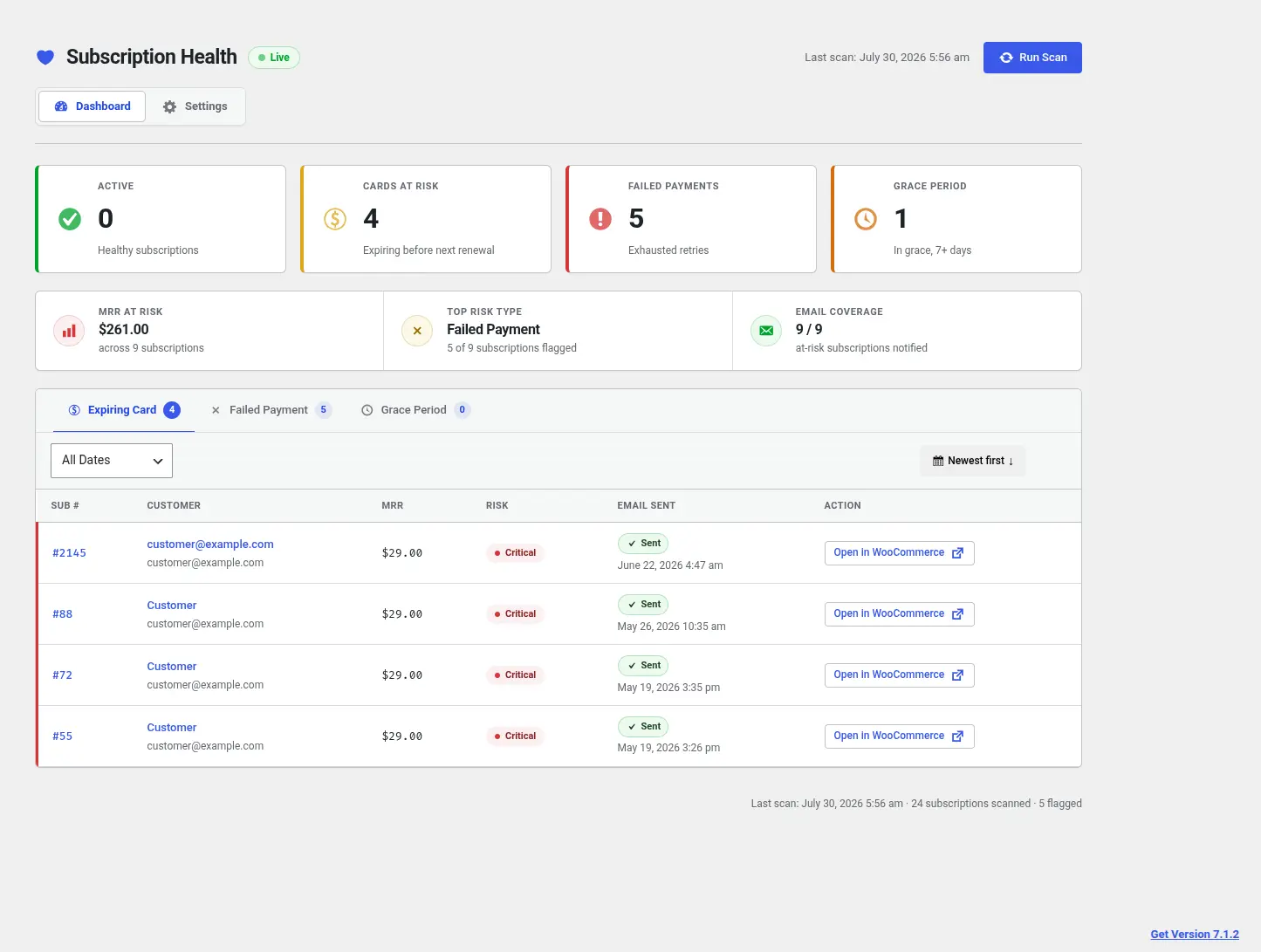
What gets read
The plugin reads a subscription's default saved payment token through WooCommerce's own payment-token API — the same store of tokens WooCommerce itself uses to charge renewals. All it pulls from that token is the expiry month and year.
What gets compared, then thrown away
That expiry value exists in memory for exactly as long as it takes to compare it against the subscription's next renewal date during the scan. Once the comparison is done, the value is discarded. It's never written to a database row, never included in an email body, and never written to a log line.
What actually gets stored
Only the outcome of that comparison — the risk classification itself. A scan result row holds things like the risk type, its severity, how many days until the event, and the subscription's MRR value. Nothing about the card that triggered it. If a customer never looked at their dashboard, they'd have no way to reconstruct which card was expiring or when — only that a card needs attention.
Why this matters for PCI scope
Because card numbers never pass through the plugin at all, and expiry dates are read transiently rather than persisted, using this plugin does not increase your existing PCI DSS scope for card data handling — expiration date is defined as cardholder data under the PCI Security Standards Council's DSS, but it's never stored here, so there's no card vault to secure, because there's no card vault.
- ▸Reads: card expiry via WooCommerce's own payment-token API, for comparison only
- ▸Stores: risk classification, severity, days-until-event, MRR value
- ▸Never stores: card numbers, expiry dates, or any other payment detail
- ▸Never appears in: emails, logs, or exports
Does Subscription Health Check store credit card numbers?
No. It never reads or stores card numbers at all — only the expiry month and year, read via WooCommerce's own payment-token API, and only for as long as it takes to compare against the next renewal date.
Does this increase my store's PCI DSS scope?
No. Card numbers never pass through the plugin, and expiry dates are read transiently rather than persisted — there's no card vault to secure, because there's no card vault. It does not increase your existing PCI DSS scope for card data handling.
What does expiring-card detection actually read and store?
It reads the expiry month and year from a subscription's saved payment token. It stores only the outcome — risk type, severity, days-until-event, and the subscription's MRR value. Nothing about the card itself is ever written to a database row, email, or log line.
See it flag your own subscriptions.
$129 per site, billed annually. Run the first scan on your own store's data, not a demo.
Buy now — $129/yr